

Exceptional experience for Canada’s most watched network
Bell Media CTV Go on iOS and Android
ENTERTAINMENT / IOS / ANDROID
• 4.2 star rating
• Fluid cinematic UI
• Video casting
• Live TV
Developing the CTV app was an exciting challenge to consolidate Canada's top network and channels into a user-friendly digital platform. My aim was to simplify access to a mix of live and on-demand content, enriching the user experience with seamless navigation and personalized features. Through collaboration and user-centric design thinking, we launched an app that stands at the forefront of entertainment, continuously evolving to keep offering the best on-the-go entertainment experience.
Target Audience
Catch Up Viewers
Users who are looking to continue watching a show or movie on CTV Go. This may be a new release now available, or an episode that the user was partway through.
Discovery
Users who are more interested in new shows or movies that are available on CTV Go. These users come to the app with the explicit goal of finding something new to watch.
Core Demographic
CTV Go User
35-65 years old (current user base skews slightly older)
Strong female usership
Heavy tablet usage almost exceeds smartphones month-to-month
The audience values an easy-to-use interface, likely in a comfortable at-home or similar environment with time to sit and consume content for extended periods of time.
Target
As the demographic seems to be largely based on content offering, the best target is to create a solid user experience for the existing strong demographic.
Potential to broaden user demographic through diverse programming.

Industry Landscape
Mobile video consumption is growing:
of total mobile data traffic was used on video in 2018
60%
growth was seen on video views between Q3 2015 and Q3 2018
233%
Usability and way finding is important:
of smartphone users will switch to another site/app if it doesn’t satisfy their needs (unable to find information or too slow)
29%
of people have a better opinion of brands when they offer a good mobile experience
61%
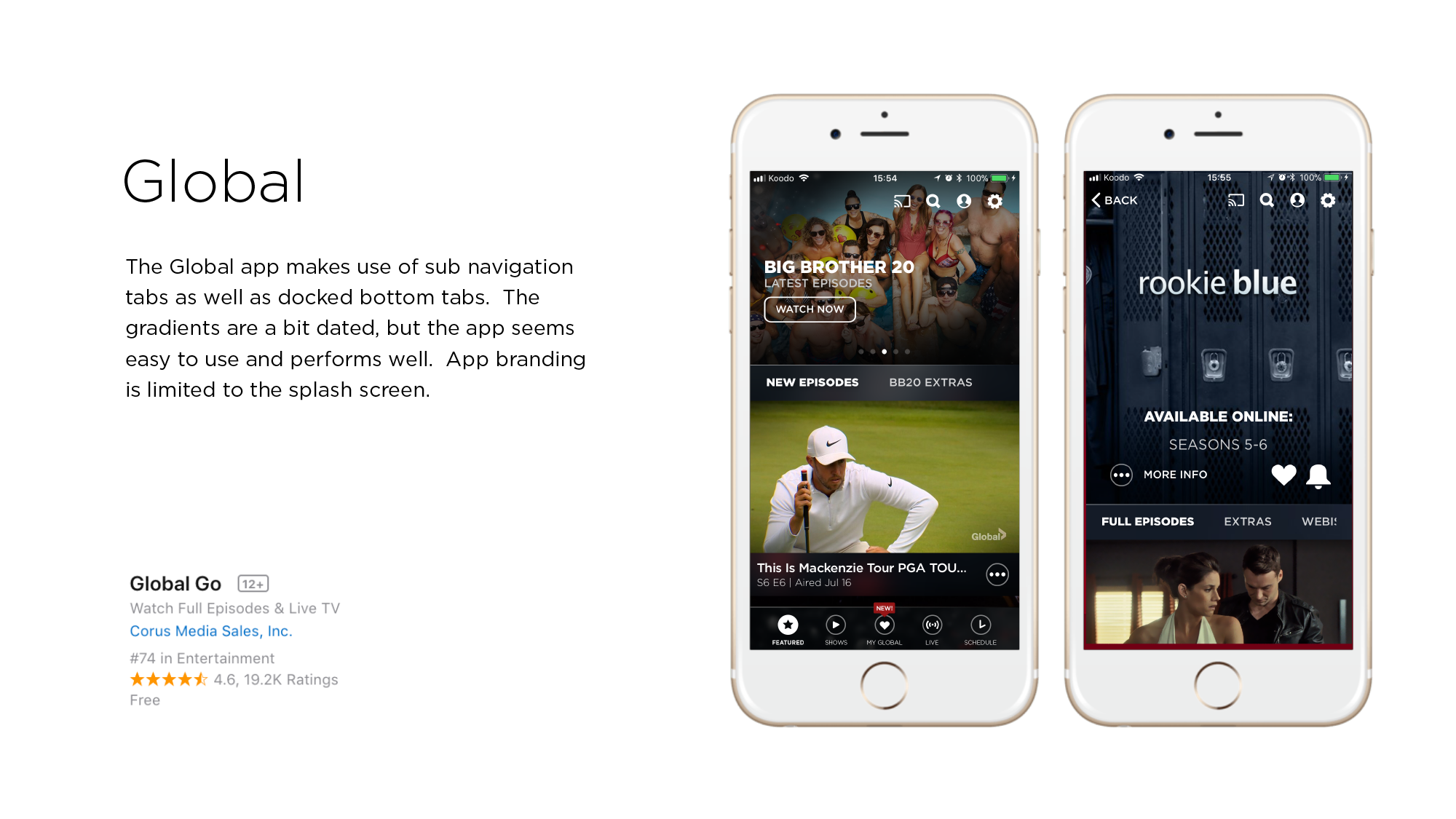
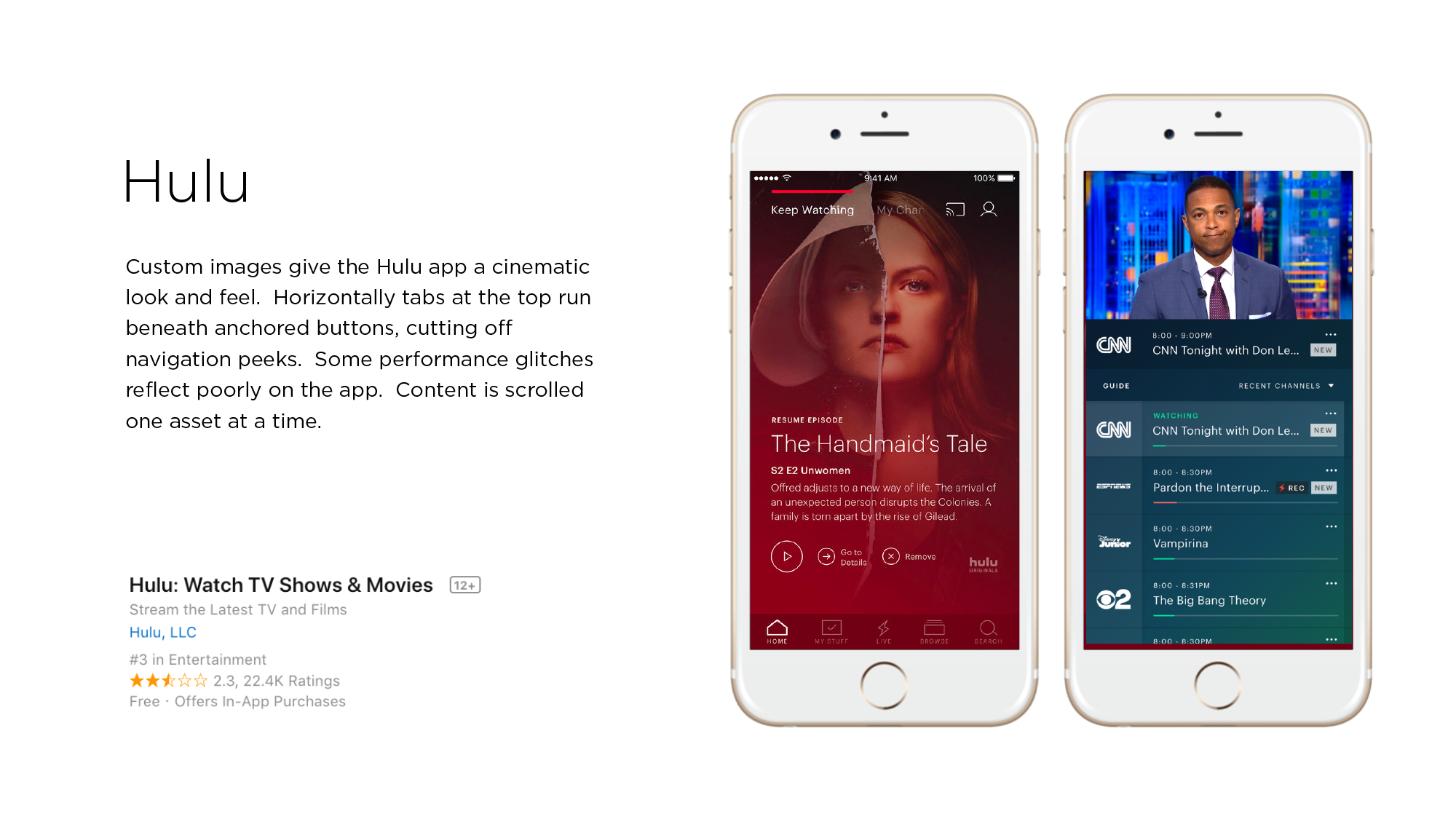
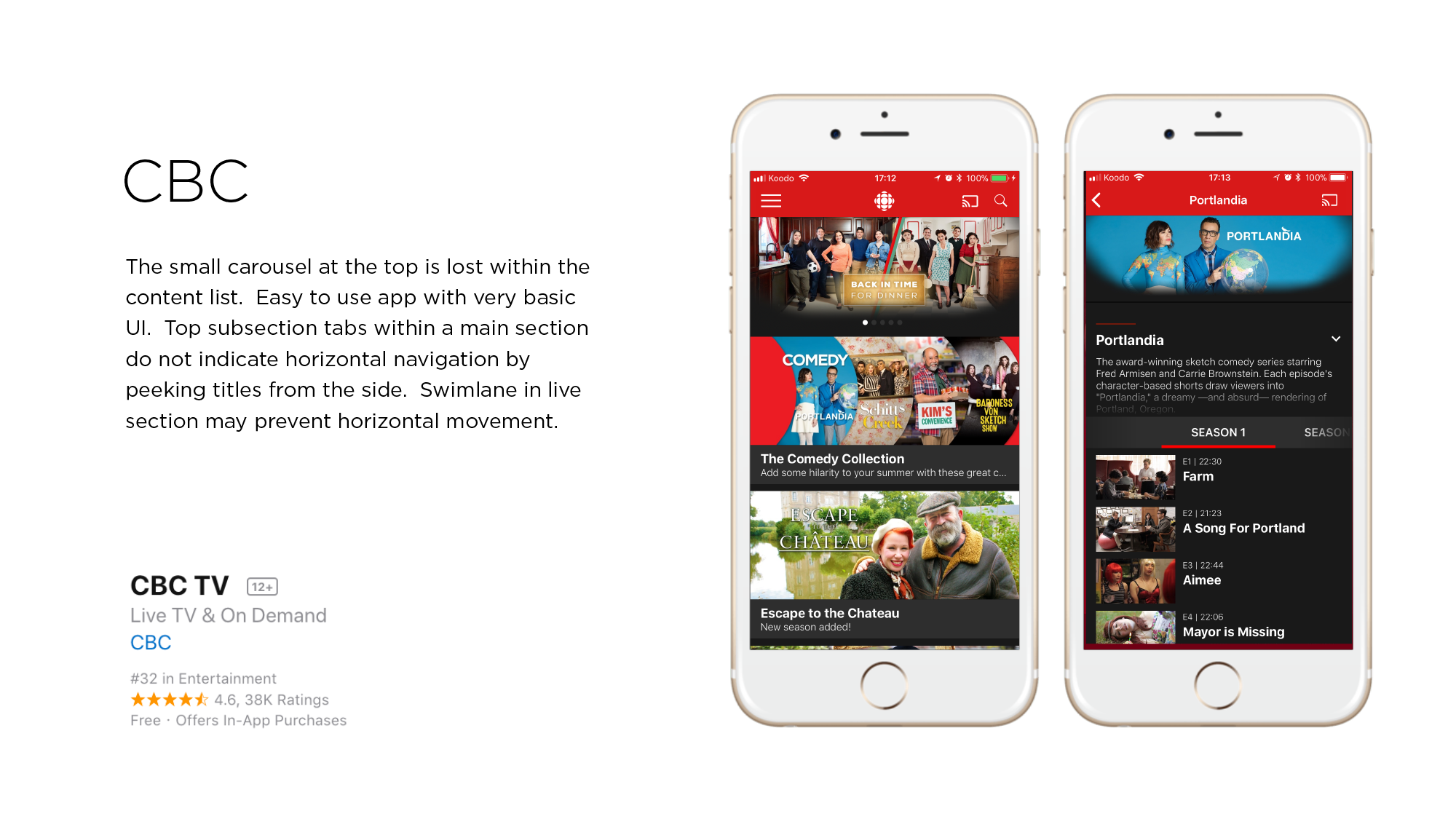
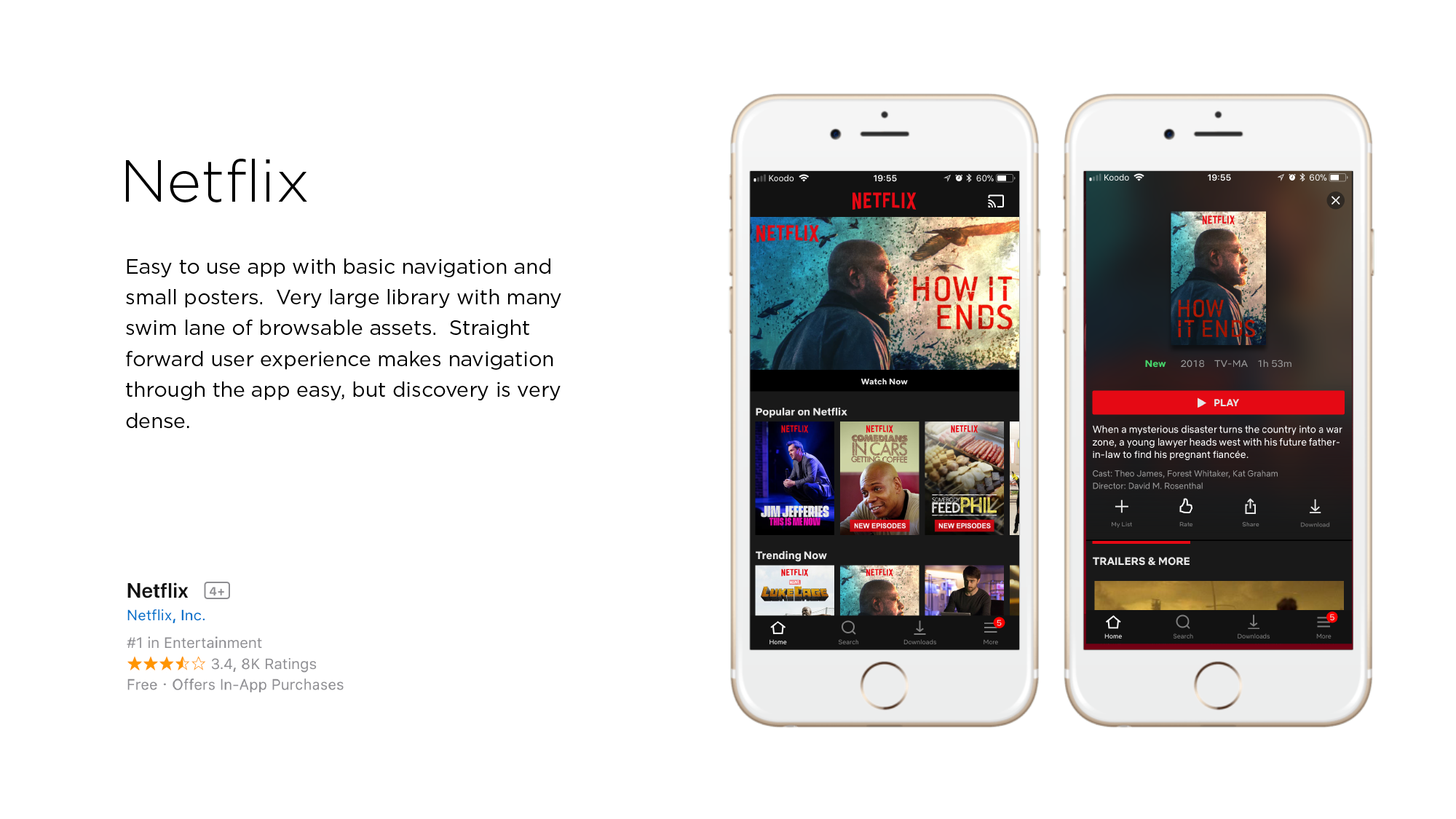
Competitive Analysis
User Feedback Assessment

Performance
Glitches and crashes in the app are preventing content consumption.
1
Casting
Chromecast glitches and AppleTV absence causes friction in consumption.
2
Way-Finding
Poor organization of shows and content surfacing increases frustration.
3
Key Objectives
Editorially Driven Content
New and featured content driven by the editorial team should be presented immediately in a easy-to- peruse manner. The content team should be able to control what the user sees on app launch.
Focus on video content consumption by adding search functionality, better images, and surfacing top CTV Go content early to increase exposure and likelihood of further exploration.
Improved Aesthetics
The user interface should be updated to present a modern and attractive design encouraging prolonged use in the app and the feel of a premium, cinematic product.
The look and feel of the app will contribute to subconscious emotional experience.
User Navigation
The user should be able to easily find and resume content they left off, keeping users up to date with shows and movies they are following. Relevant recommendations gain user trust.
Update branding to reflect the new logo, colours, font, iconography, and direction.
Increased Engagement
Creating a more intelligent logic pattern behind push notifications and providing access through a reminders centre for users to catch up.
Improving rich notifications on iOS, where users can preview the content without entering the app, can also give users more feeling of control and peeking behind the click.
UI
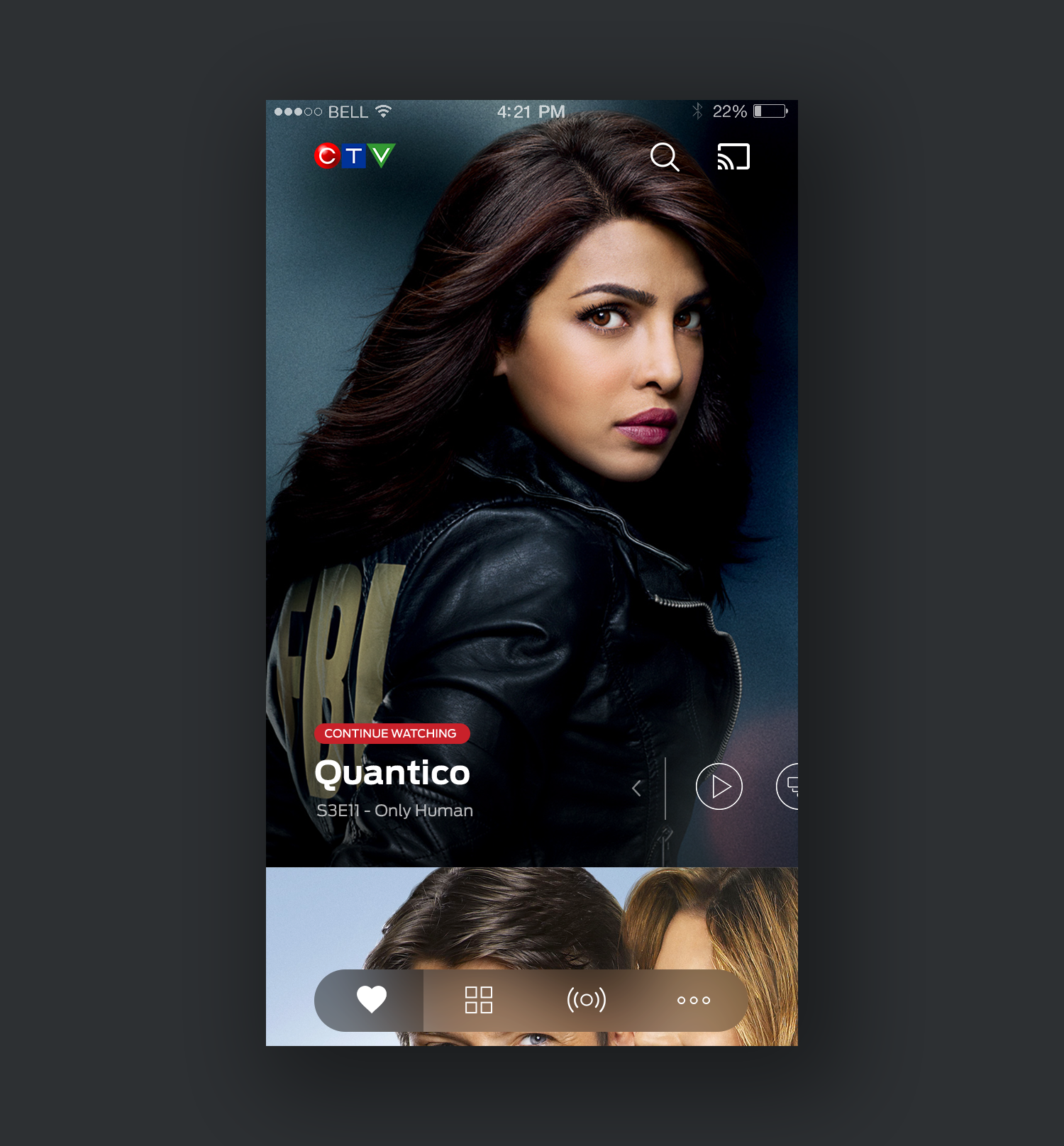
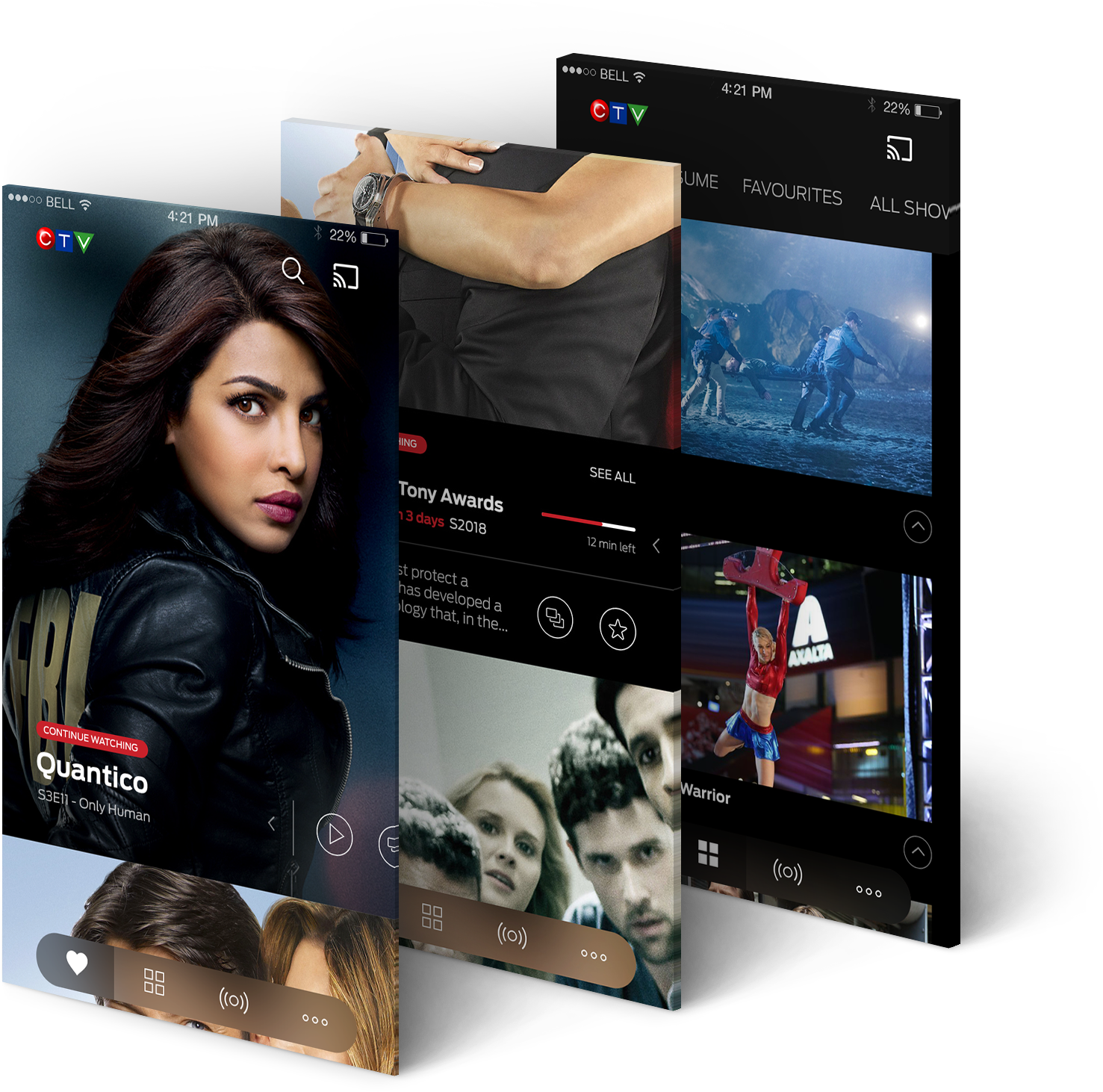
The “For You” section is the default landing page in this app. It combines editorially driven content with user’s favourites.
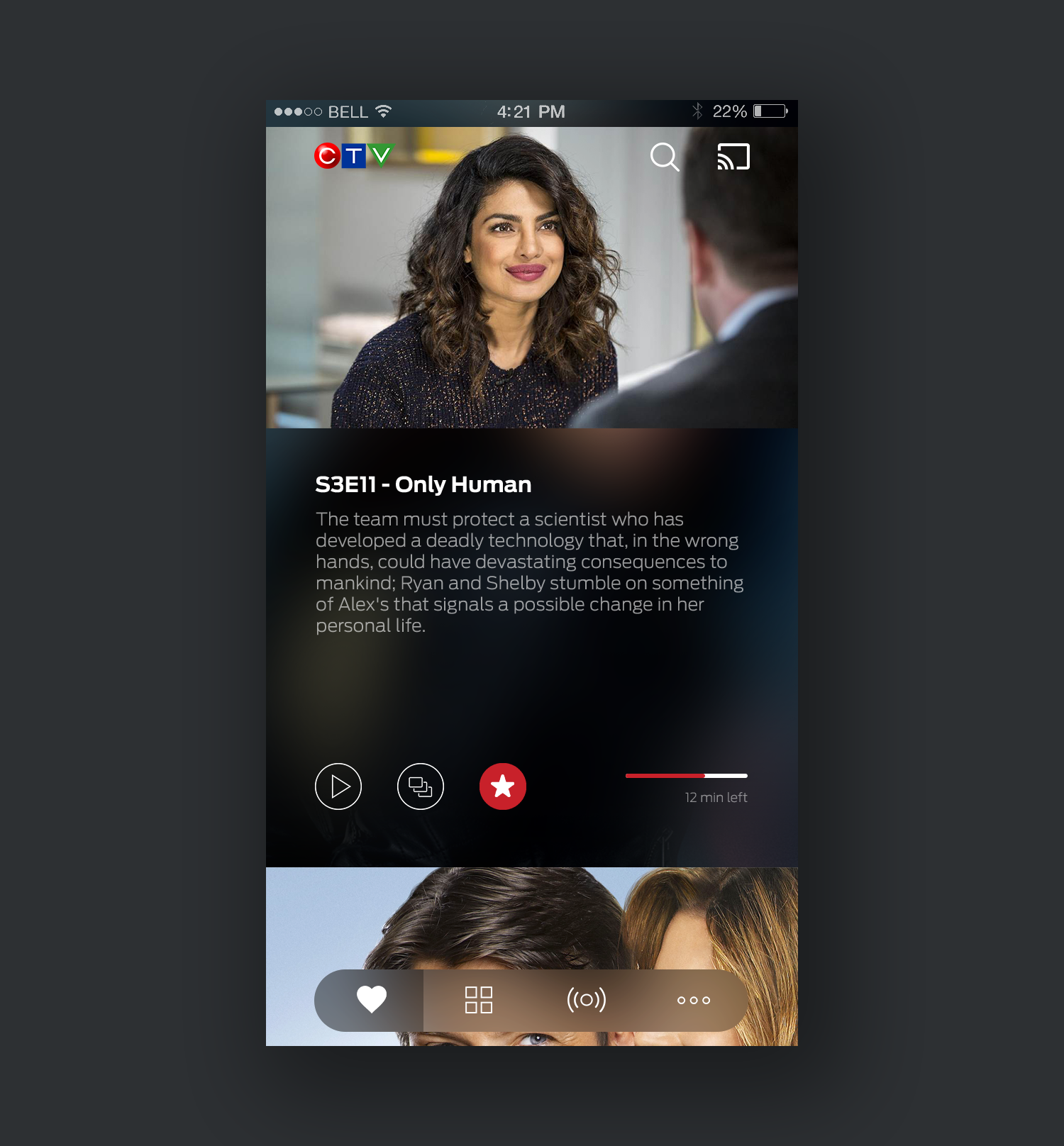
Side swiping motion in the “for you” section allows users to access additional functionality quickly.
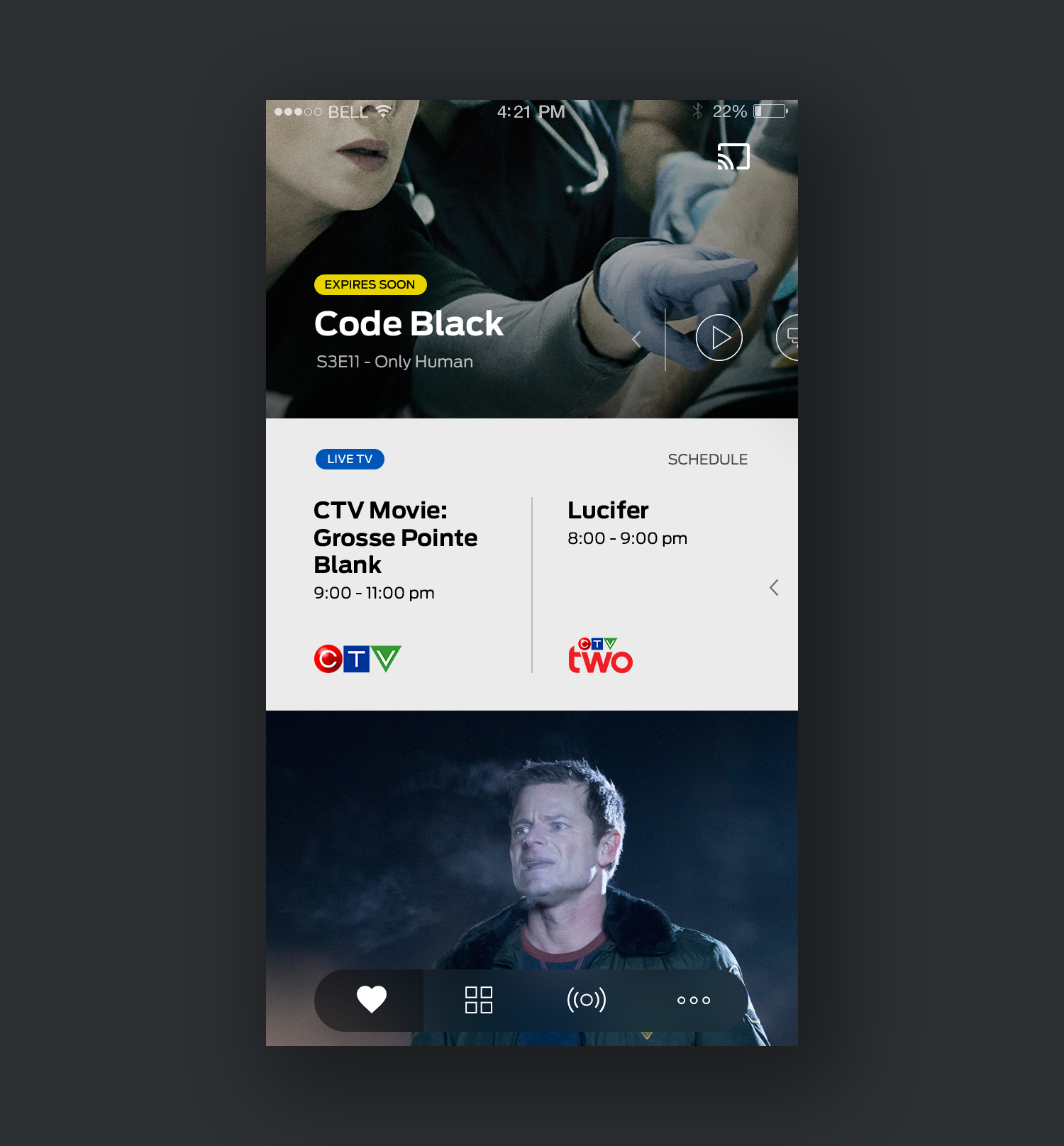
Live stream cards are mixed into the “for you” feed to surface the most relevant content users wouldn’t want to miss.
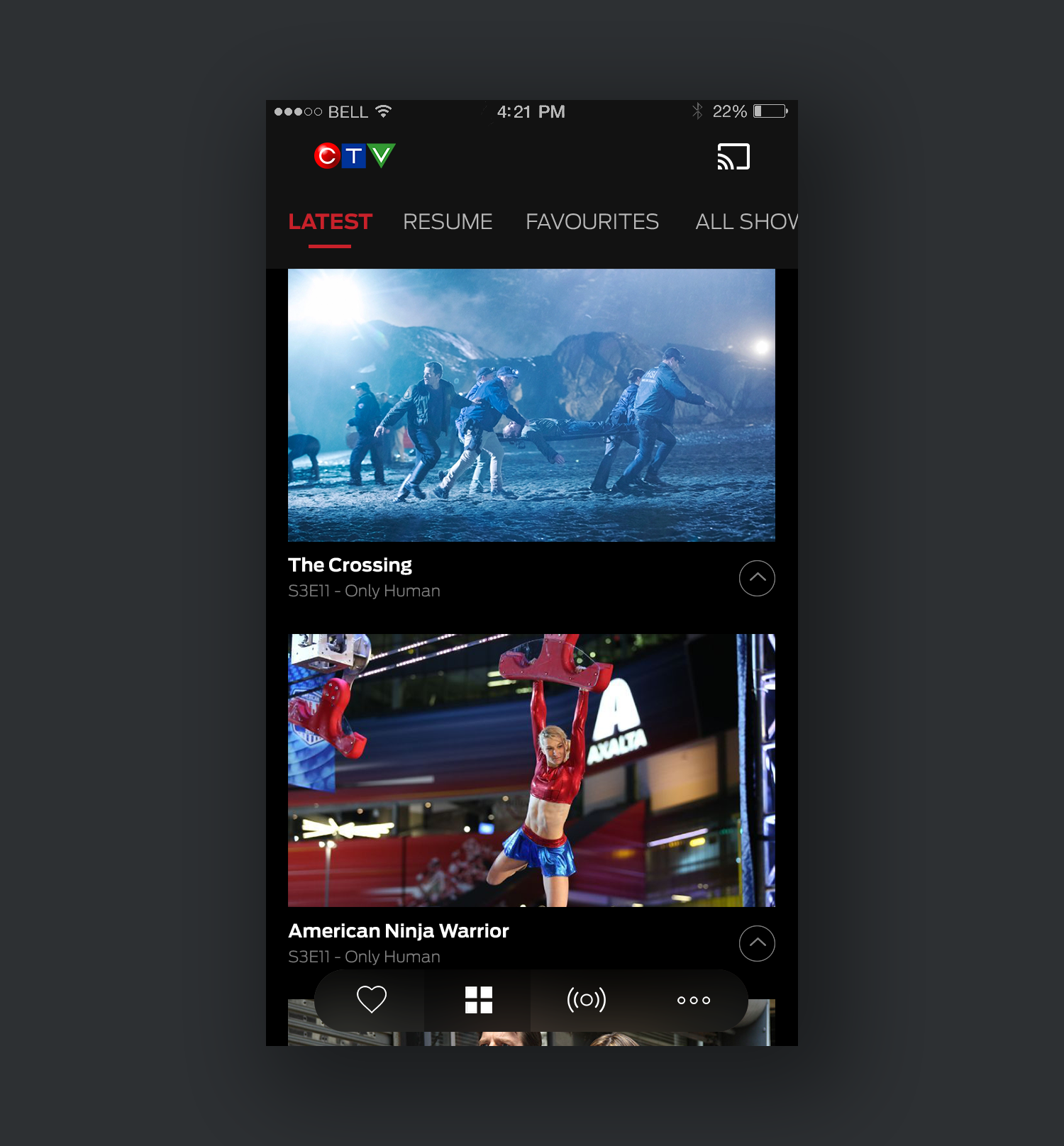
The “Browse” section has horizontally laid out tabs that can be easily accessed by swiping horizontally.