

Short-Term Insurance For All
Rift Insurance Mobile App
INSURANCE / IOS / ANDROID
• First-in-market short-term insurance app
• On-demand insurance coverage
• Chat-based assistant
• Dynamic chatbot workflow building
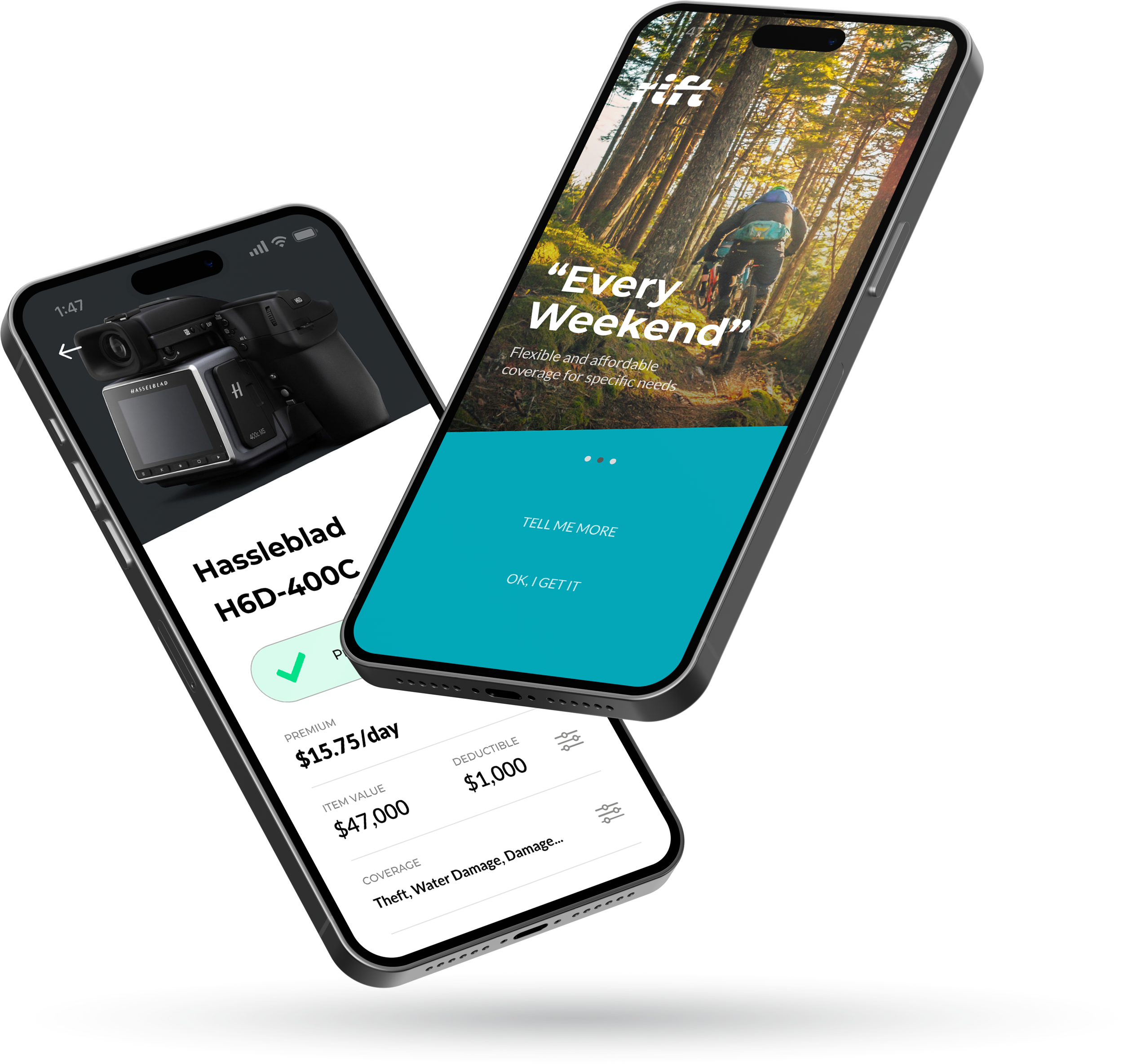
I spearheaded the design phase of this innovative project, with the goal of simplifying short-term insurance. This innovative digital experience established Rift as a frontrunner in making insurance management more accessible and user-friendly. By redefining industry standards, we are enhancing the overall user experience, setting a new benchmark for what's possible in insurance tech.
Discovery
Short-term insurance demand is on the rise
“The Global Short Term Insurance market is anticipated to rise at a considerable rate during the forecast period, between 2020 and 2030. In 2020, the market is growing at a steady rate and with the rising adoption of strategies by key players, the market is expected to rise over the projected horizon.”
- Source: Precision Reports
Lack of tools that allow the right level of flexibility and overall policy confusion
72% of homeowners are confused about their coverage
89% of consumers want to do business on chat
82% want to do purchases in chat
Only 1.2% of call centre responses are automated
- Source: Dimensional Research
Key Objectives
Increase product adoption by 40%
Less is more—our aim is to increase adoption rates by simplifying user journeys and applying innovative solutions such as automated chatbot assistance and one-click coverage.
Decrease call centre volume by 30%
Clarity in the process, coupled with instant automated chatbot assistance, reduces confusion and ambiguity.
Increase CSAT by 20%
Removing such friction points as call centre waiting time and complexity of policy changes is expected to increase customer satisfaction and increase overall engagement.
User Research

Insurance coverage complexity and confusion
Users may not realize which items are covered and which aren’t in any specific scenario. This information needs to be clearly laid out and be a prominent part of item coverage description. Also, by using app notifications and ROSIE we can ‘nudge’ customers with additional information that is valuable to them.
1
Managing coverage scheduling
Users were unhappy about the apparent lack of tools to configure individual item coverage. Most users relied on call centre to set it up. This feedback made it clear that this service demands flexible and clear configuration and monitoring mechanisms which are as important as the core experience. To keep users well informed we’ve decided using both push and in-app notifications.
2
Information Architecture
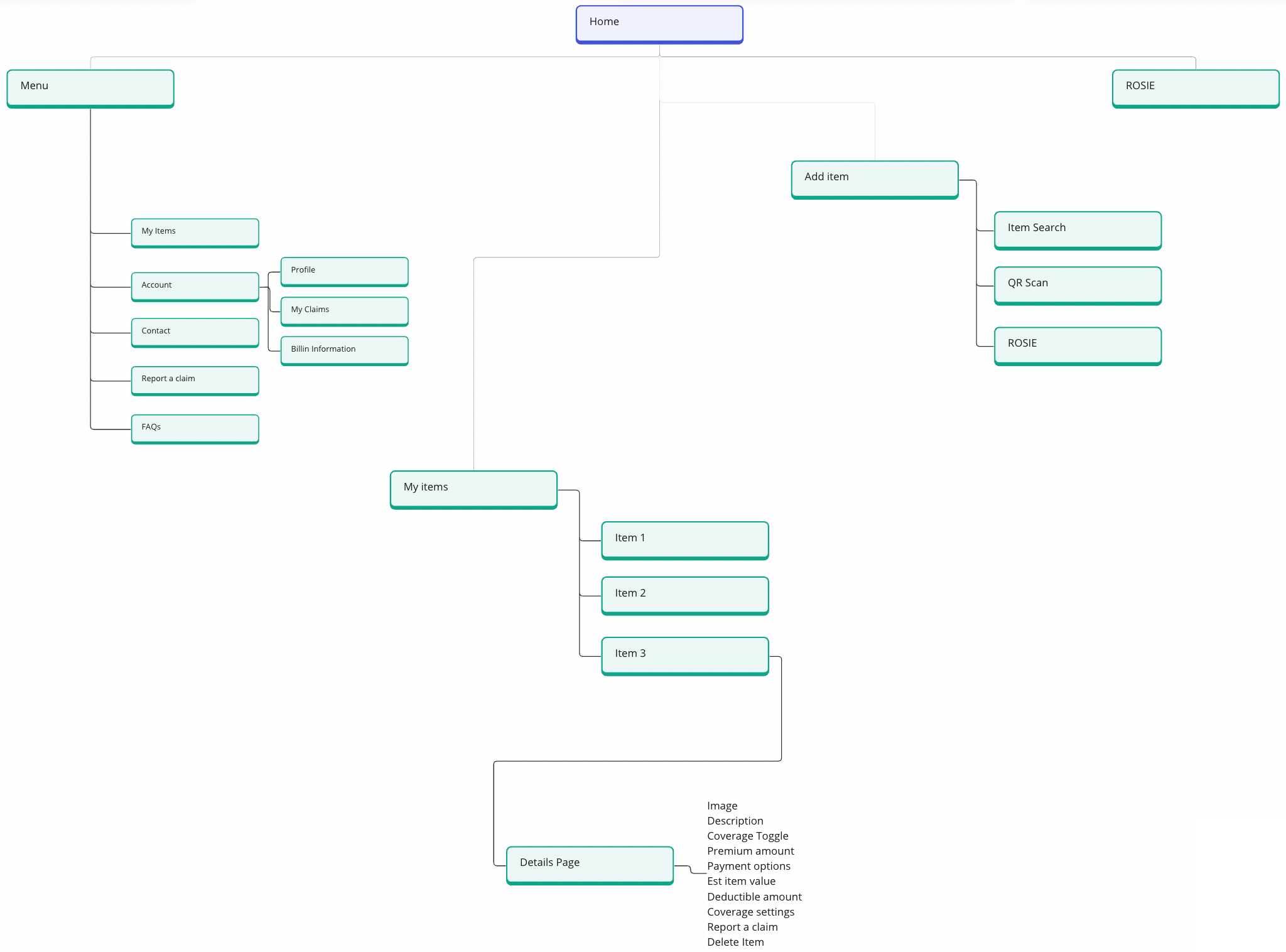
The client narrowed down two primary objectives in the discovery process. They wanted to mainly focus on ease of adding and removing individual items and creating absolute clarity of the status and coverage details associated with the added items. Simplicity and frictionless user journeys were the key components of this user exprience.
This application consists of 4 main sections: My Items, Add Item, ROSIE and Main Menu. ROSIE bot is present in almost all of the sections as it encourages users to engage with this application in a conversational manner, skipping forms and multiple steps associated with managing insurance policy and coverage.
Chat Bot Configuration
User Flow Orchestration. Powered by Clickatell
Bot flows are created using Clickatell's Chat Flow, a user-friendly drag-and-drop orchestration tool that doesn't require coding. It includes an internal emulator for flow testing before deployment.
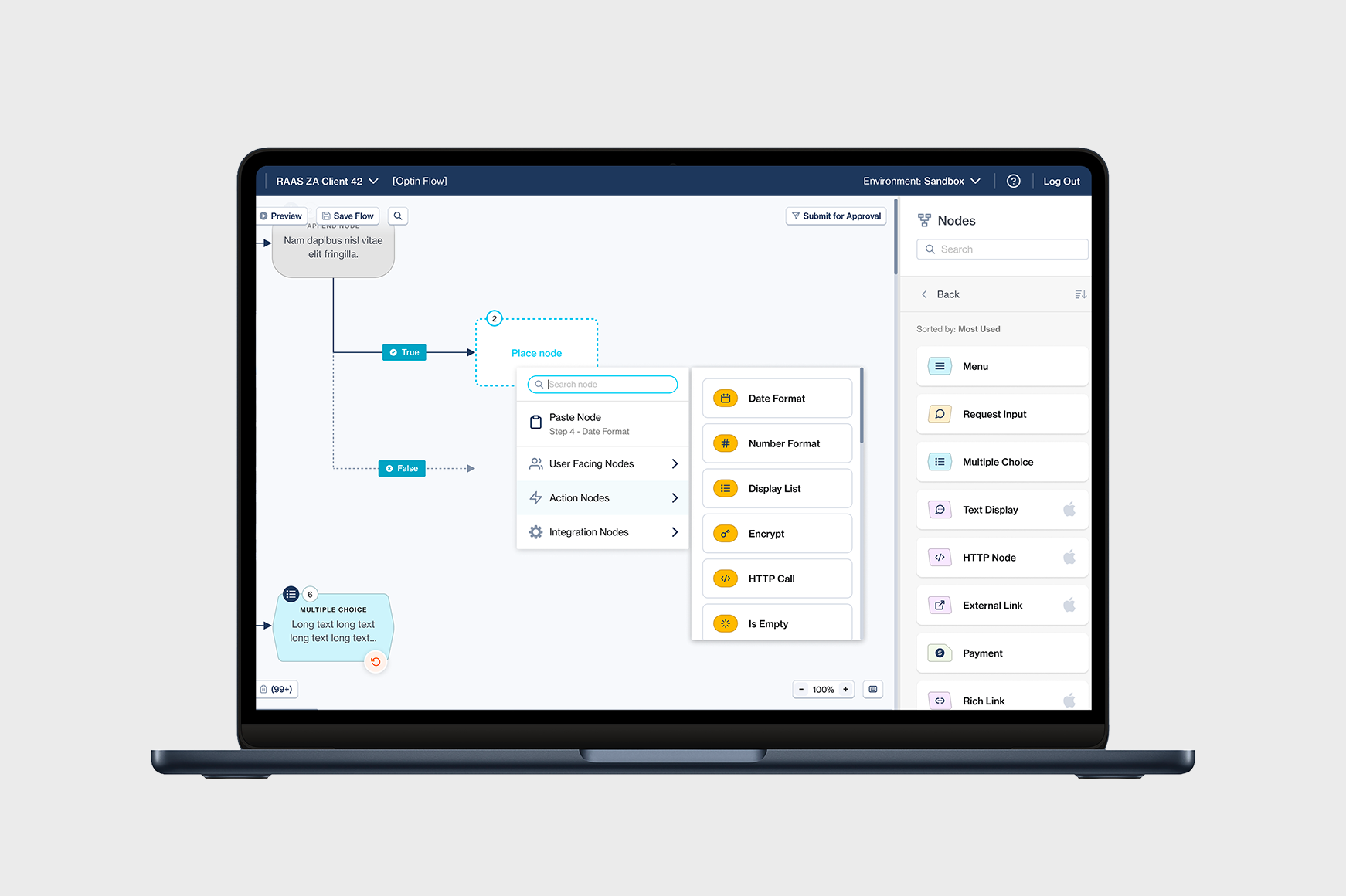
Workflow builder: An advanced drag-and-drop workflow builder that enables the rapid building, testing, and deployment of automated messaging and orchestration of business processes.
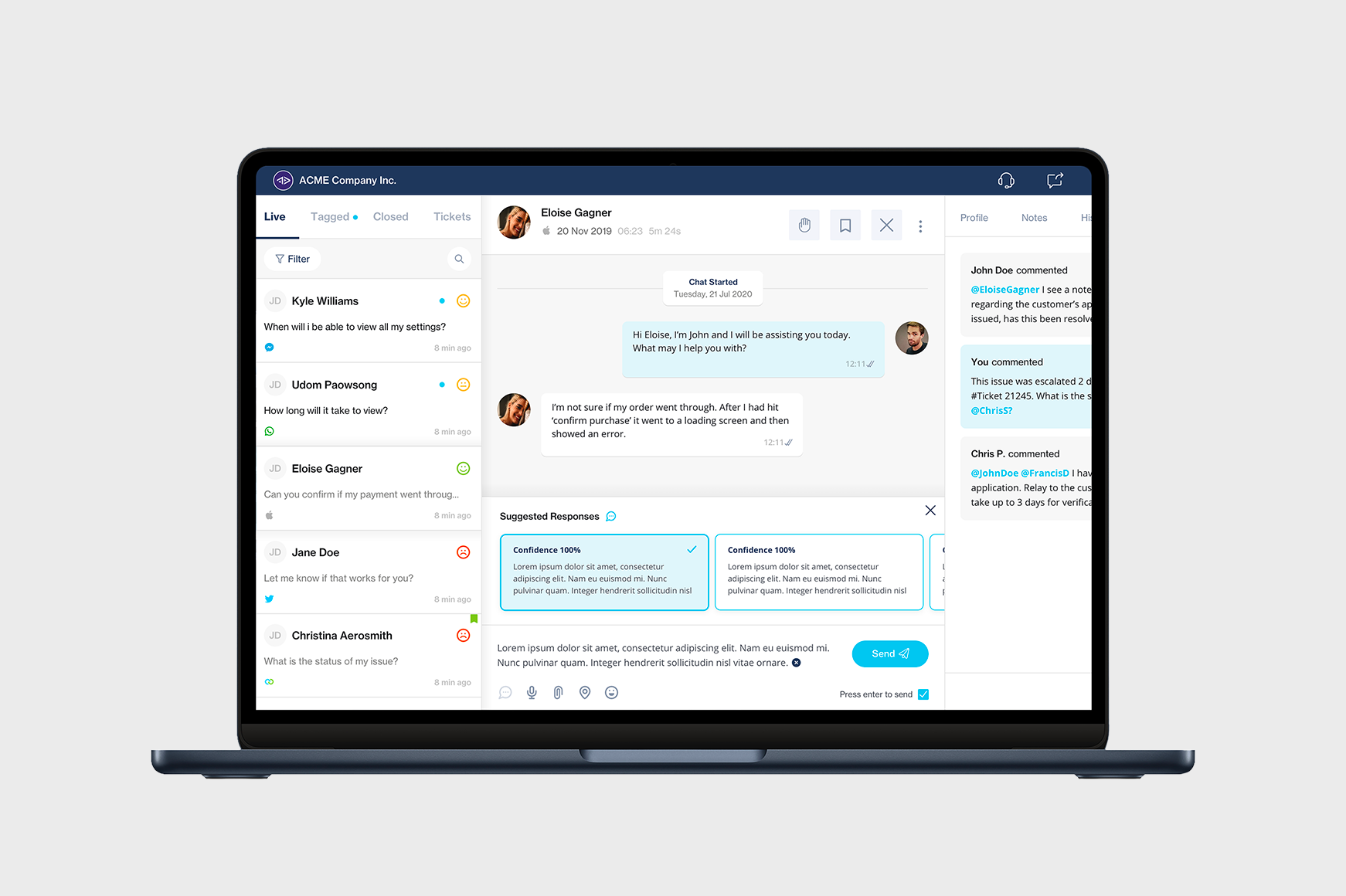
Agent desk: When the chatbot runs out of logic or if a user requests to speak to a live agent, ChatFlow will hand this user over to the Agent Desk: an easy-to-use customer support software that enables real-time, live agent communication with customers on multiple chat channels via a single web interface.
Wireframes
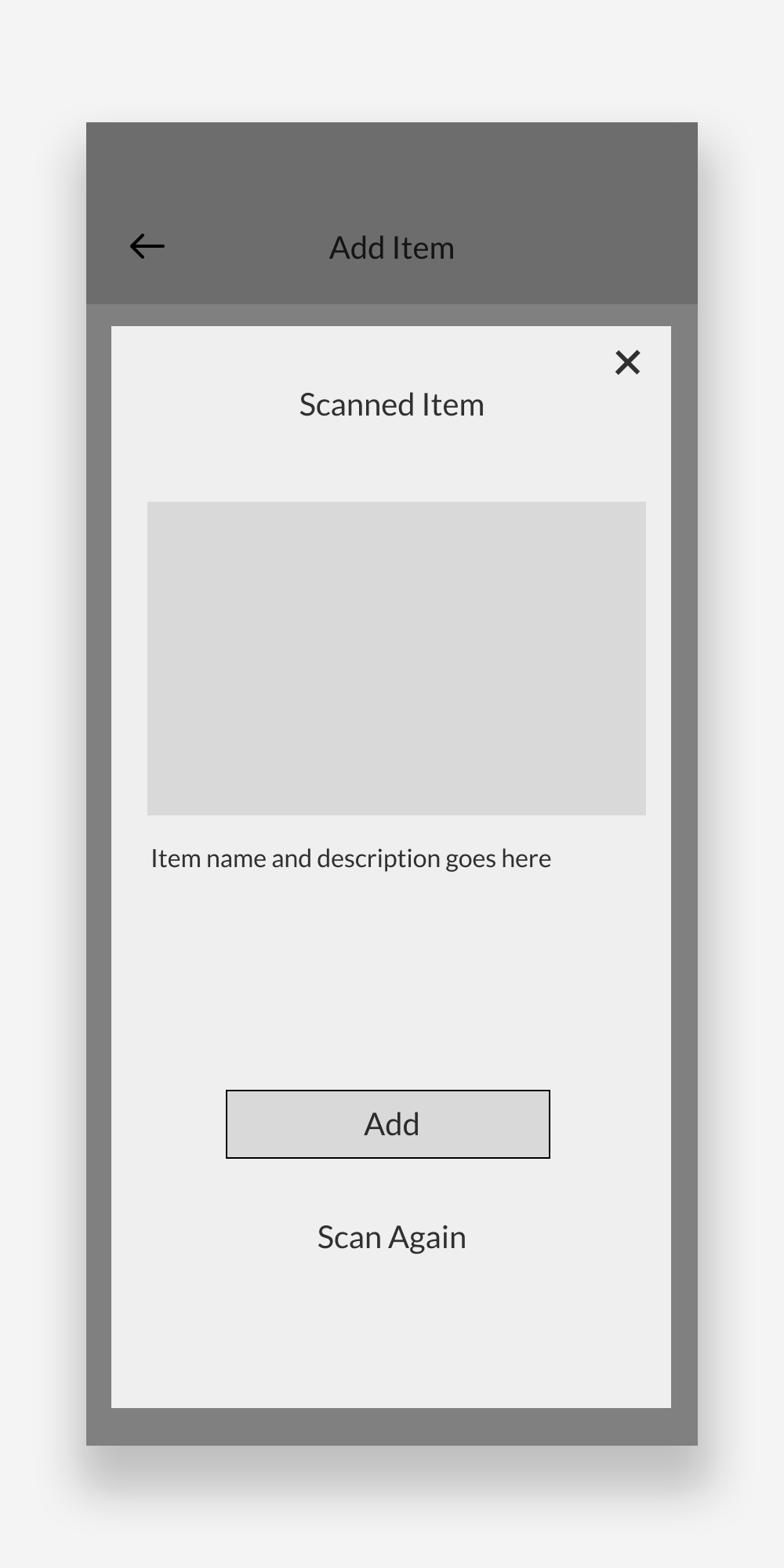
Scanned item confirmation screen
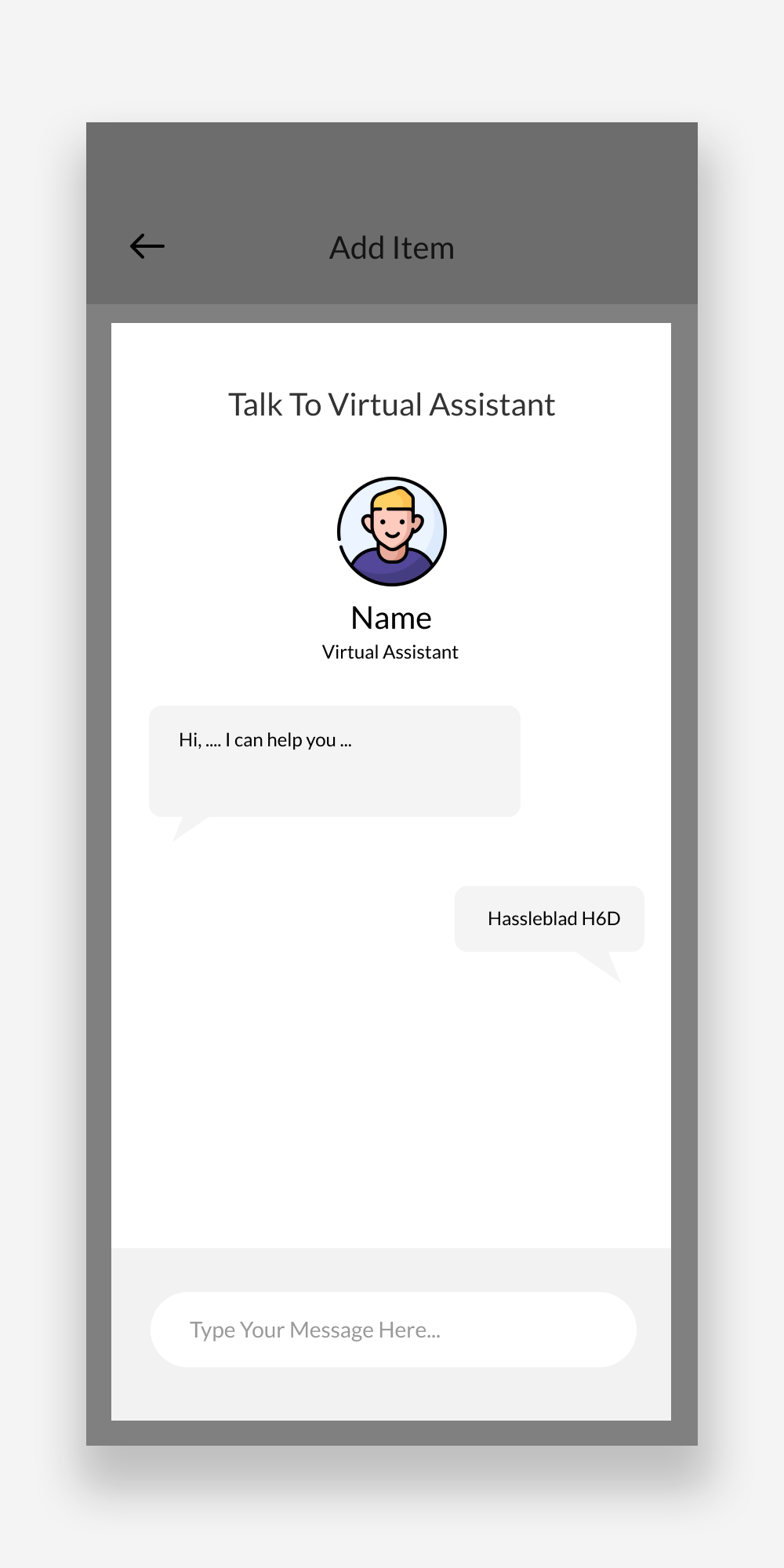
Adding an item using the virtual assistant option
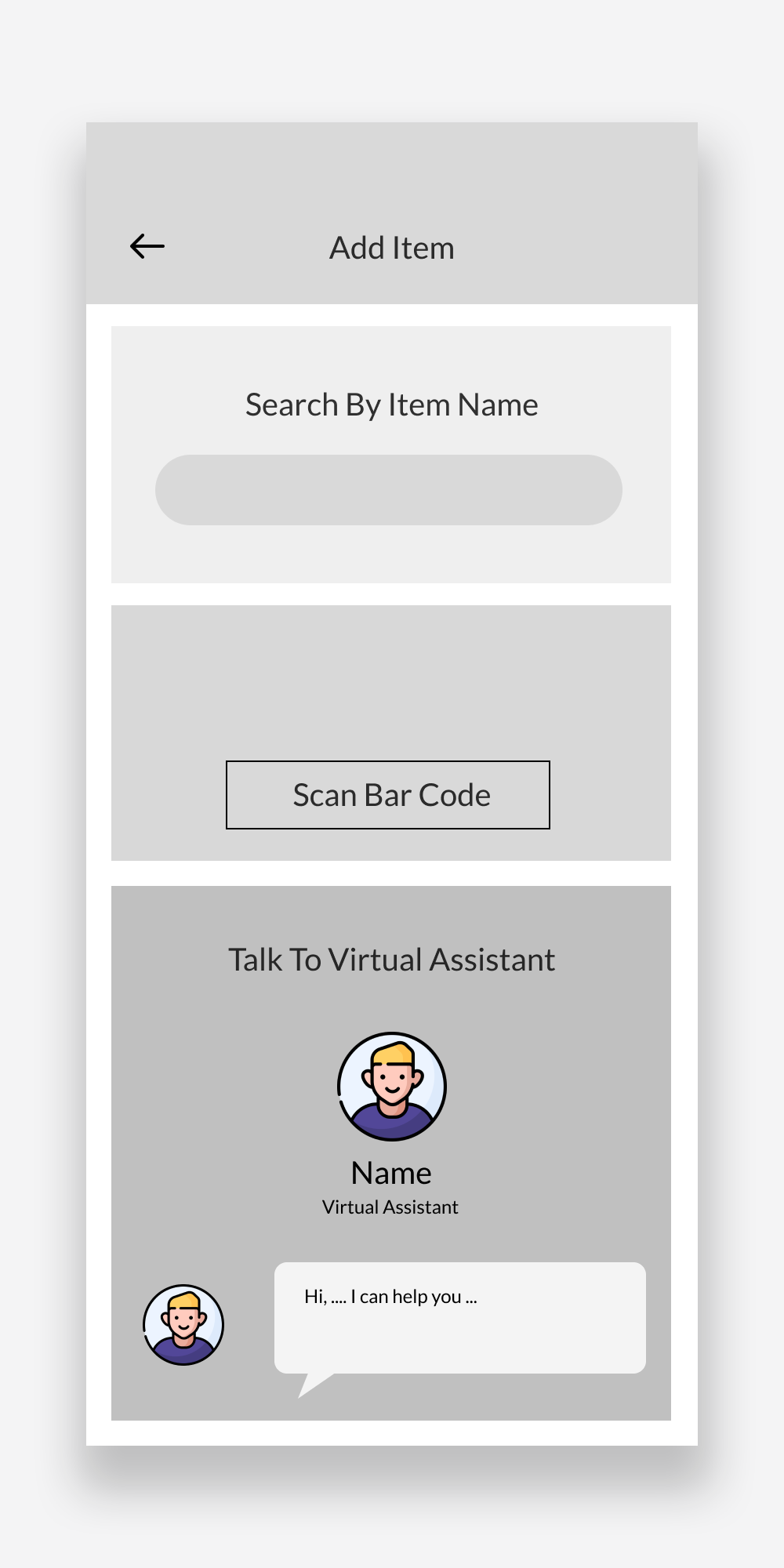
The default landing for a new user is the “add item” screen
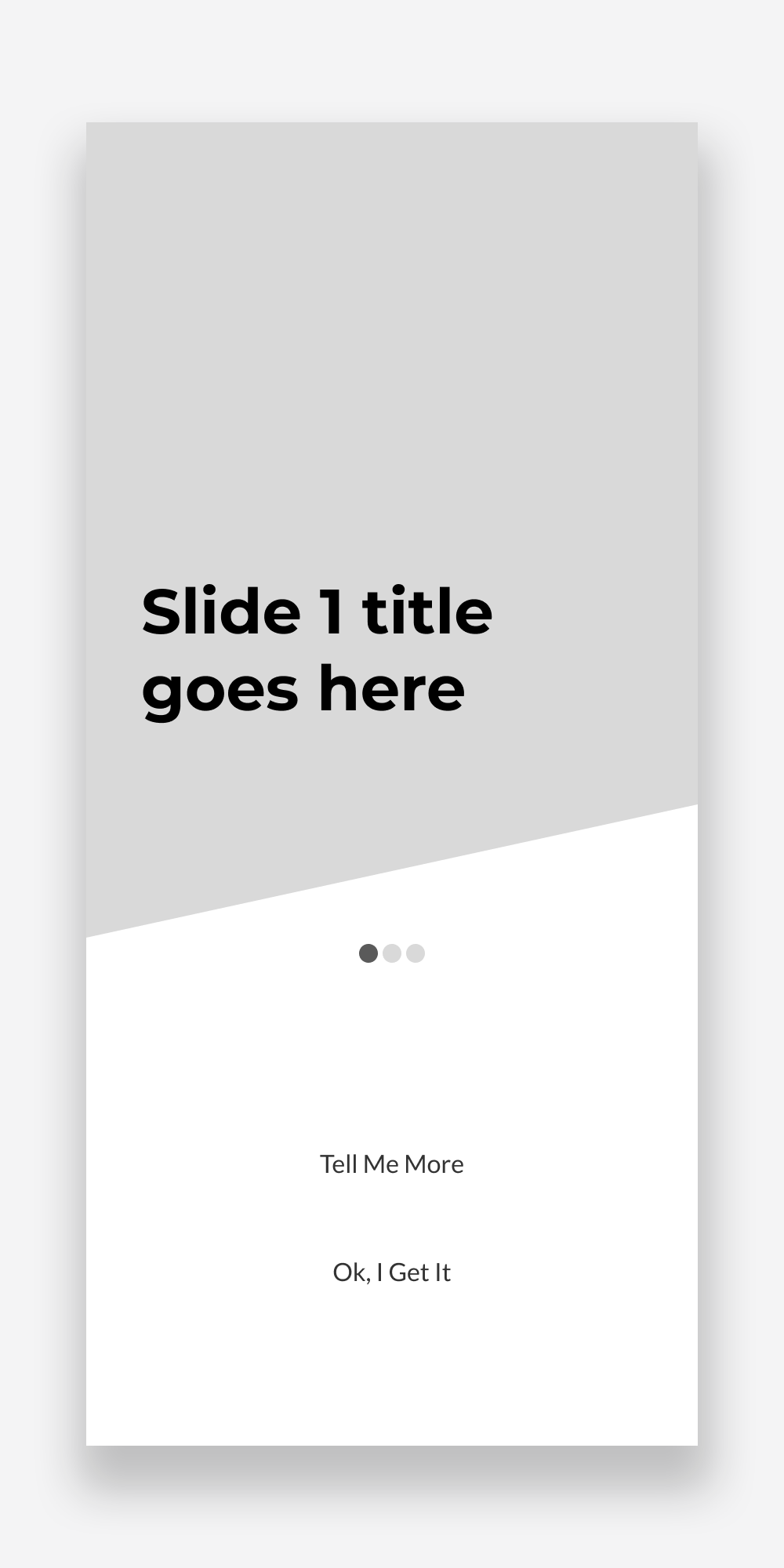
On-boarding screen has 3 slides and the skip option
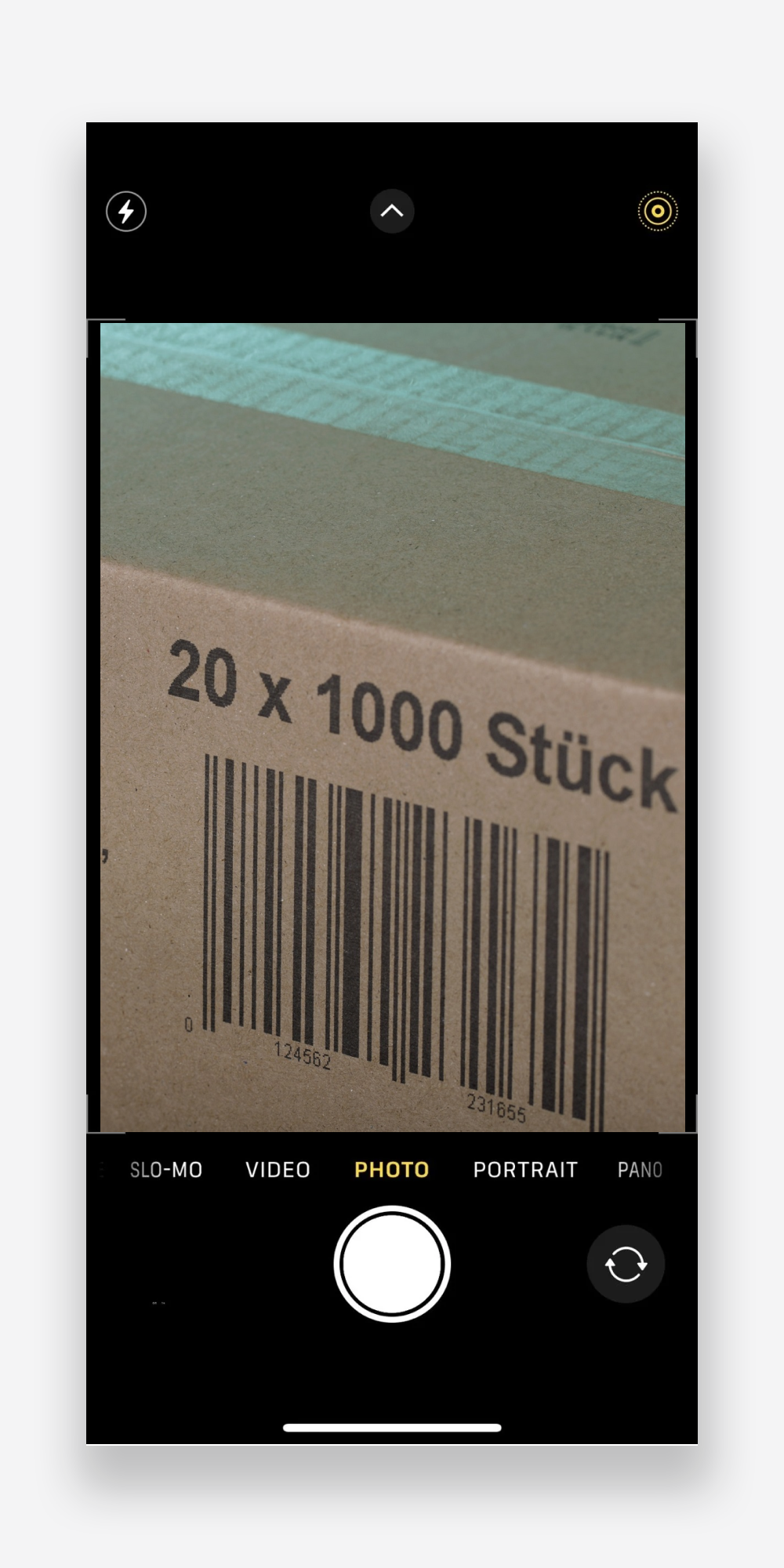
Scanning bar code in camera mode
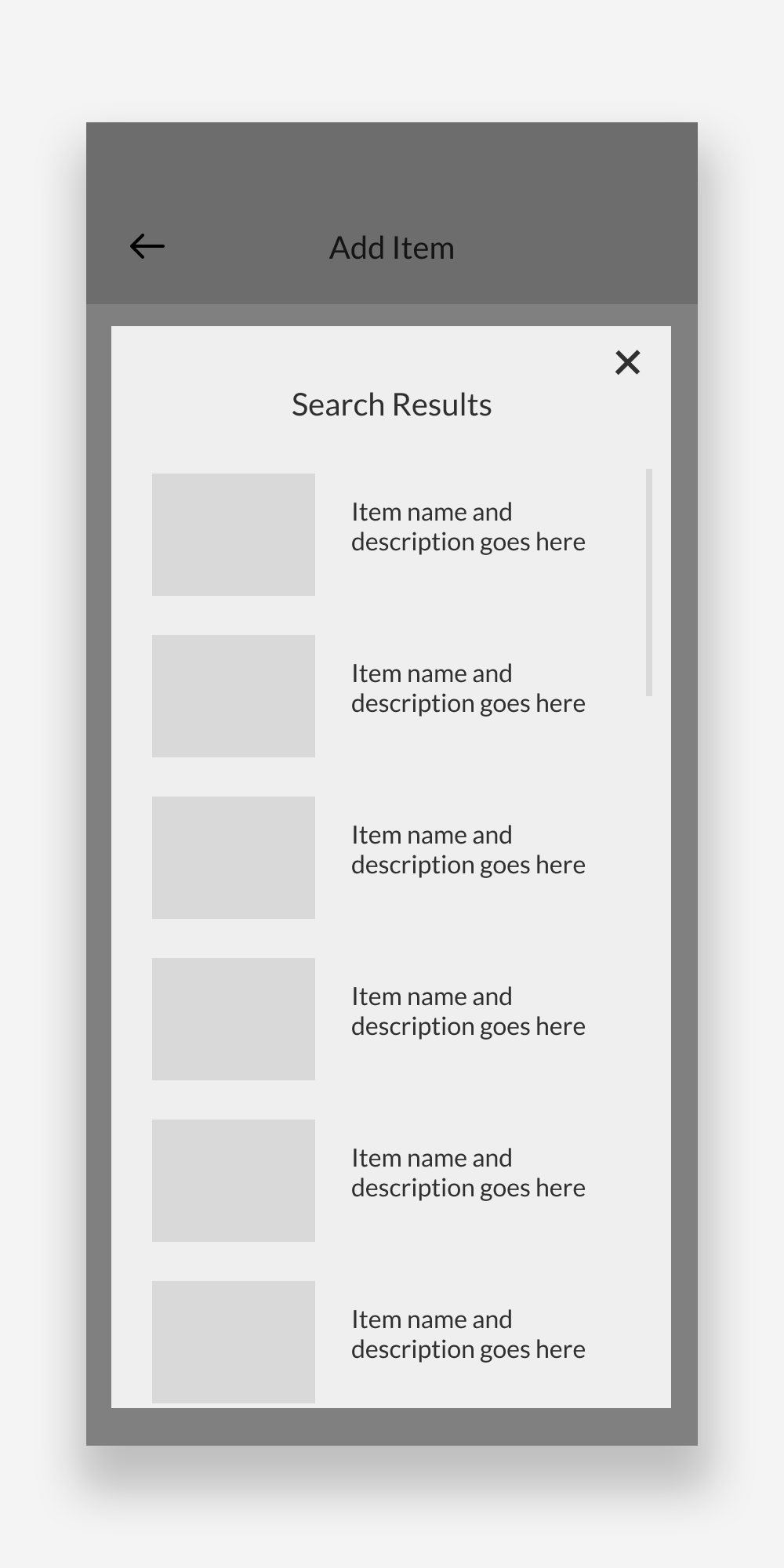
Search results overlay appears on top of the “add item” screen
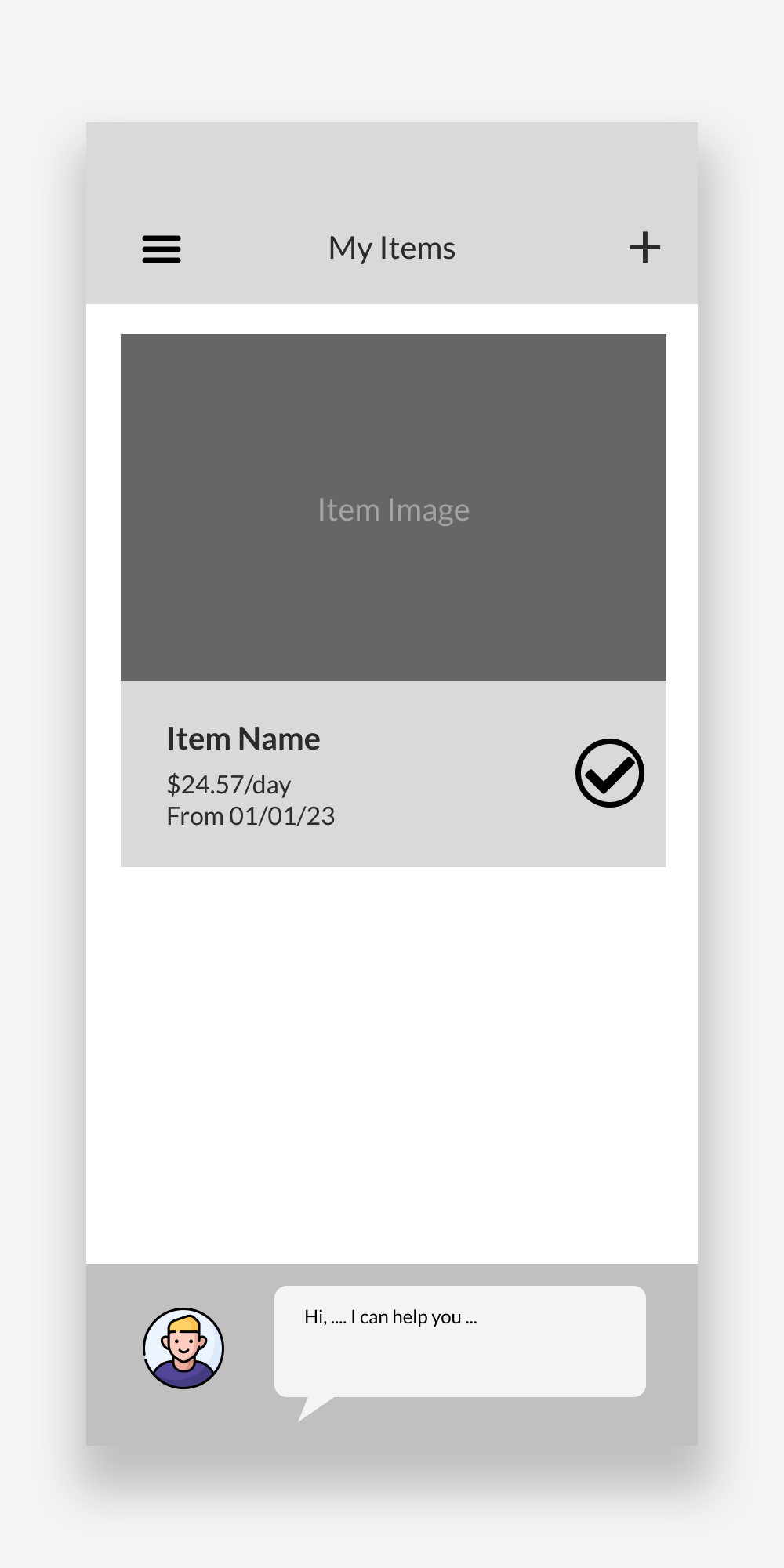
My items screen is a list of all (both protected and unprotected) items
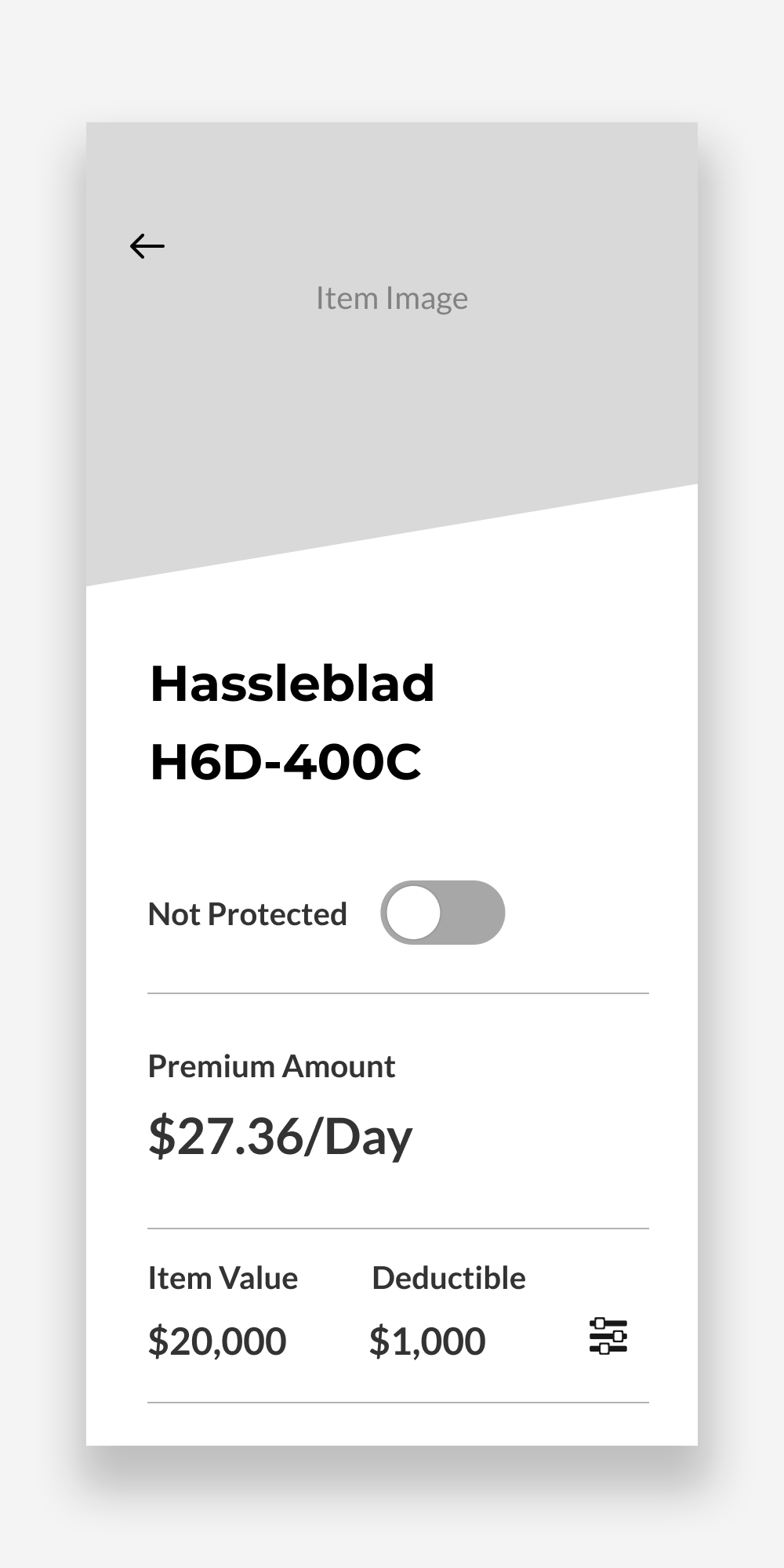
Item details screen has all the useful information clearly laid out
UI
I created the brand identity and design style guide for this product. The logo is animated when appearing on the splash screen.
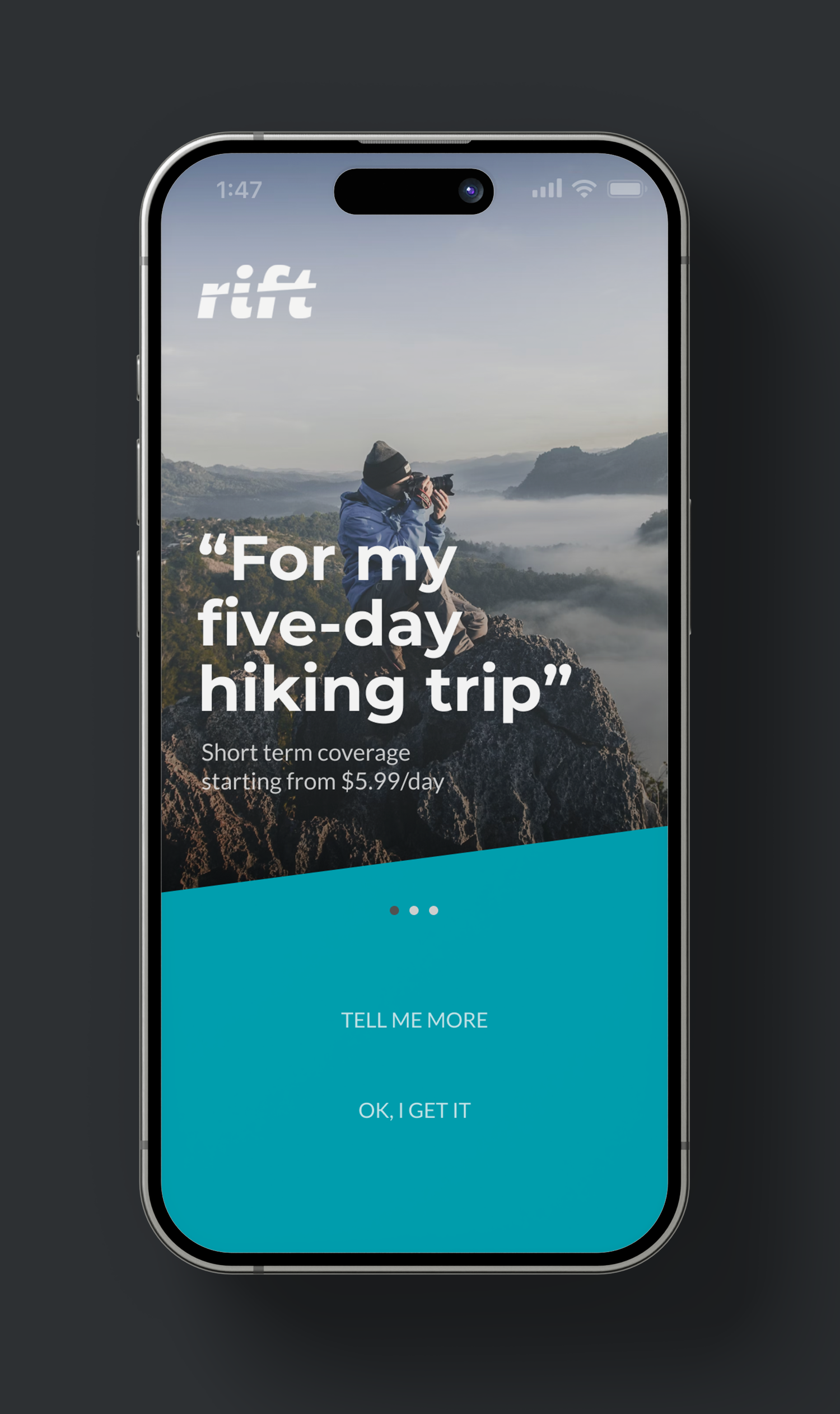
This onboarding experience is designed to inform users about various short-term insurance options, encouraging them to think beyond the commonly included items and policies. It aims to shift their mindset when considering how to protect their valuables.
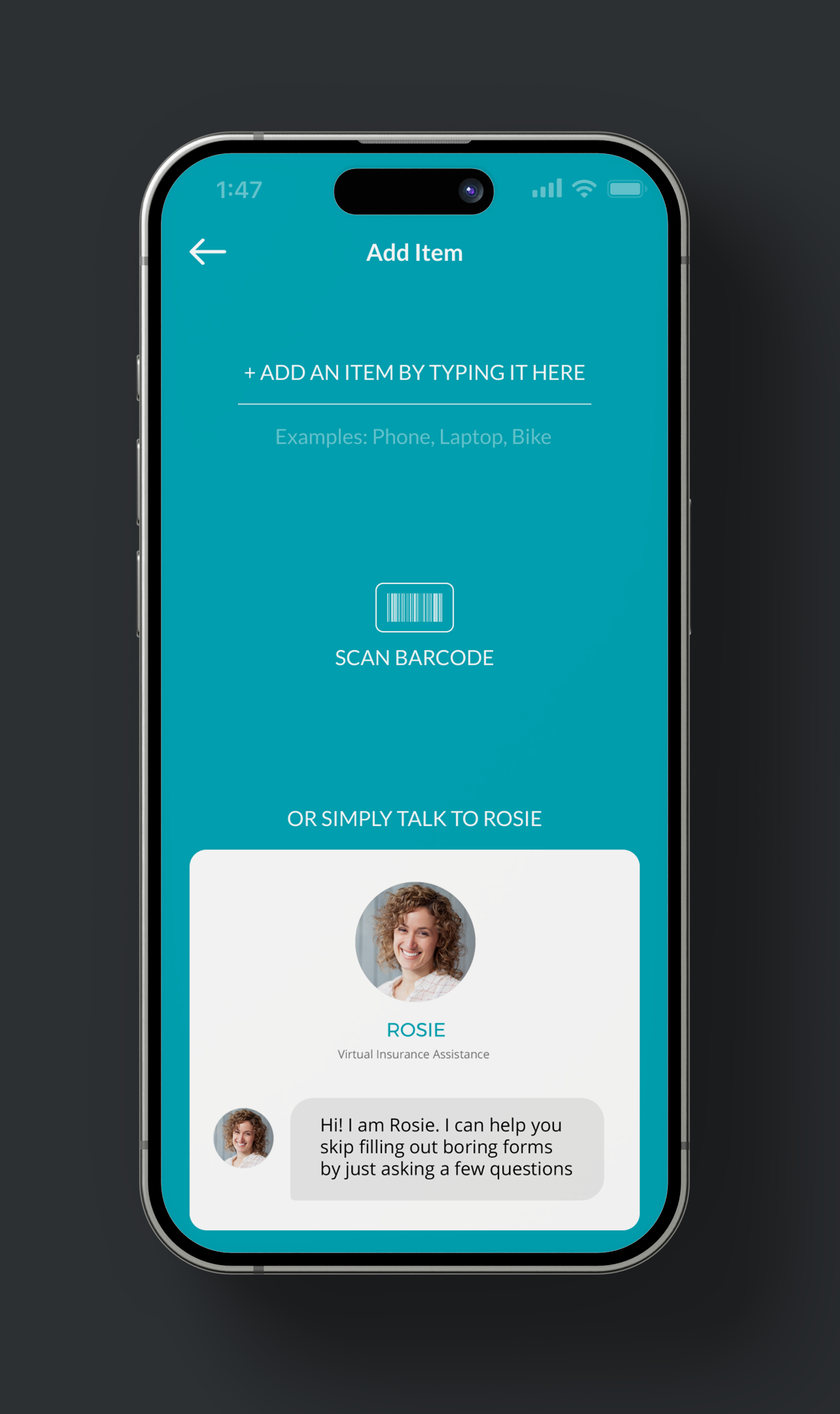
Adding a specific item to an insurance policy can be a complicated and frustrating affair. To simplify the process, we provided three convenient methods: search, bar code scan, virtual assitant.
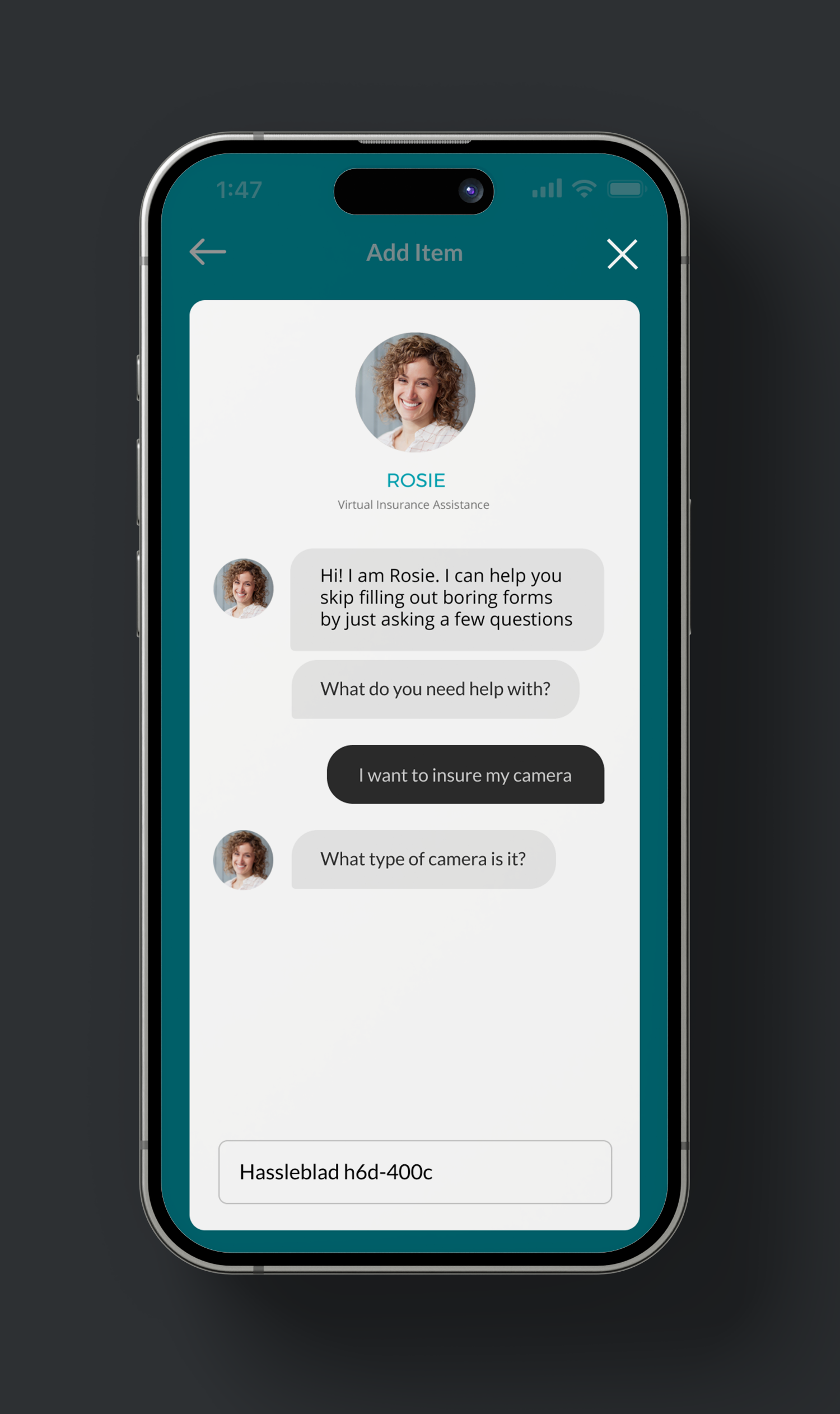
In today's digital landscape, users increasingly favour chat-based interfaces over manual exploration. This shift is driven by the efficiency, immediacy, adaptability, and inclusivity that chat interfaces offer. Users appreciate the simplicity of expressing their needs in natural language, the quick feedback, and the adaptability of chatbots, making them the preferred choice for interacting with technology.
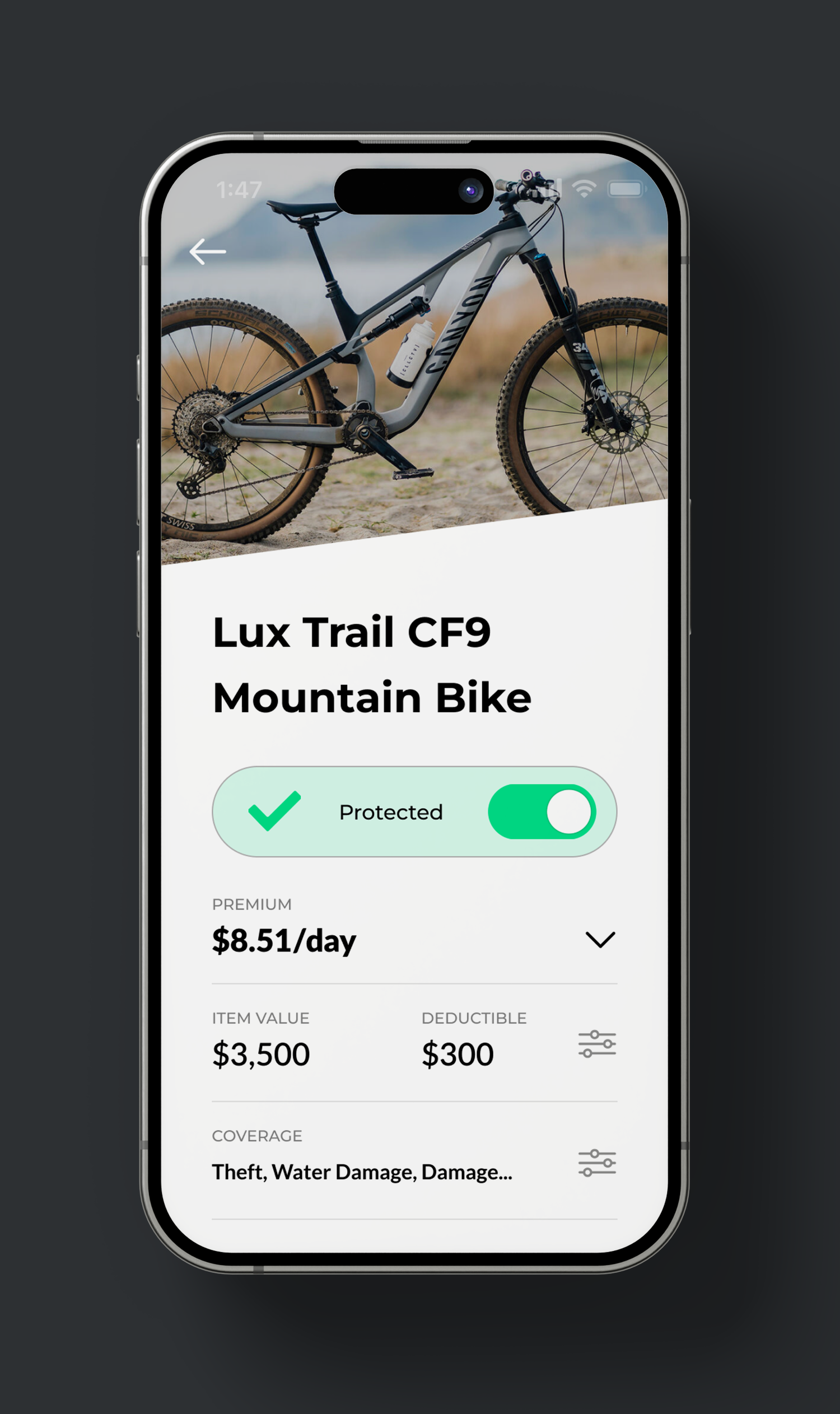
This page displays all the available policy details and includes a clear CTA for starting/pausing the coverage. User can adjust coverage categories, deductible amount and payment frequency.
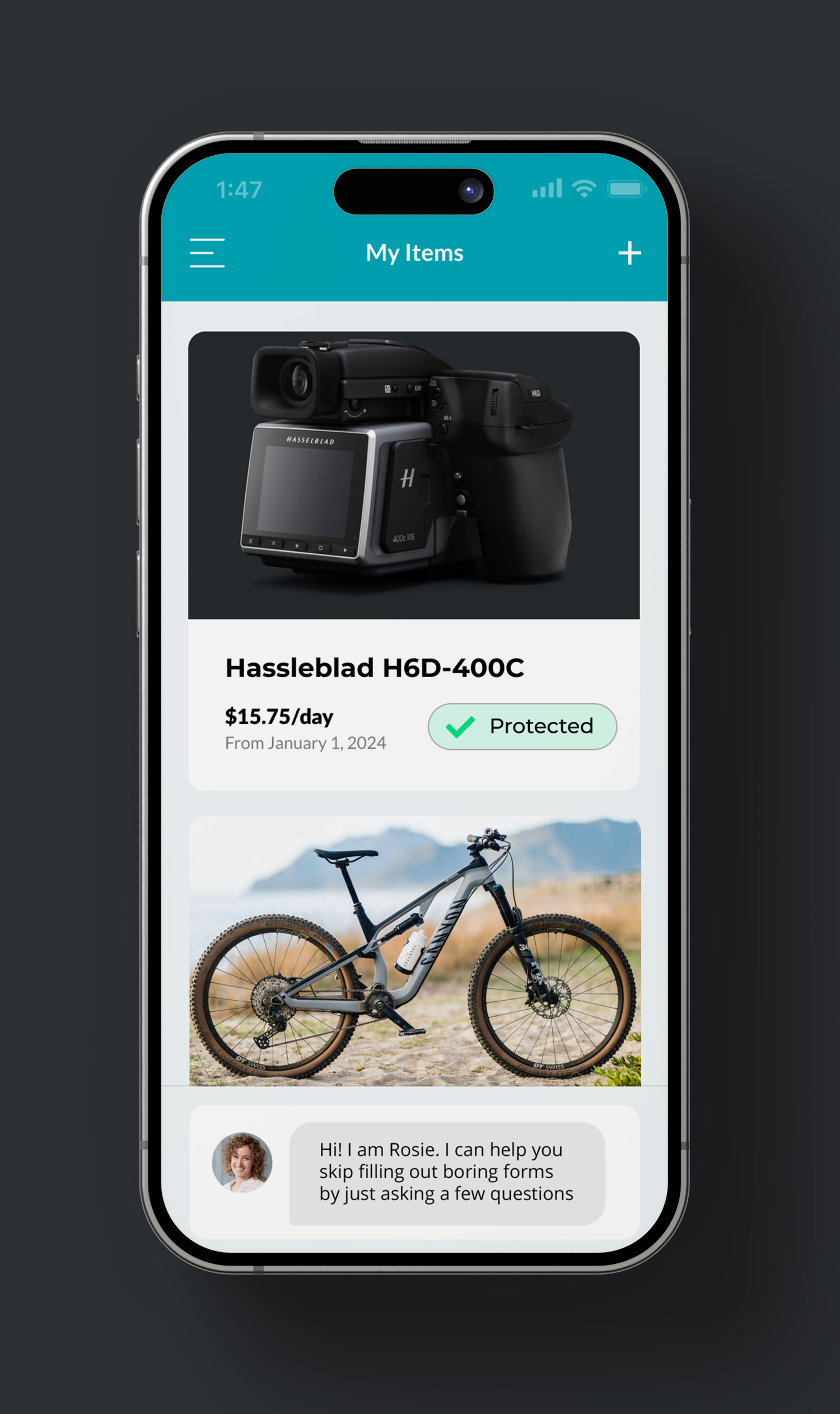
In this section, all user-added items, regardless of their status, are displayed. Each card features an on/off indicator to show current coverage status. To add more items, users can click the '+' icon in the top right or interact with ROSIE for a smoother experience.
Figma Assets
